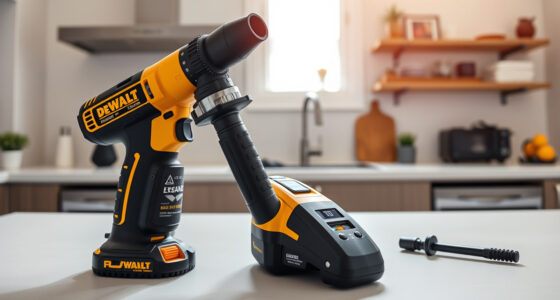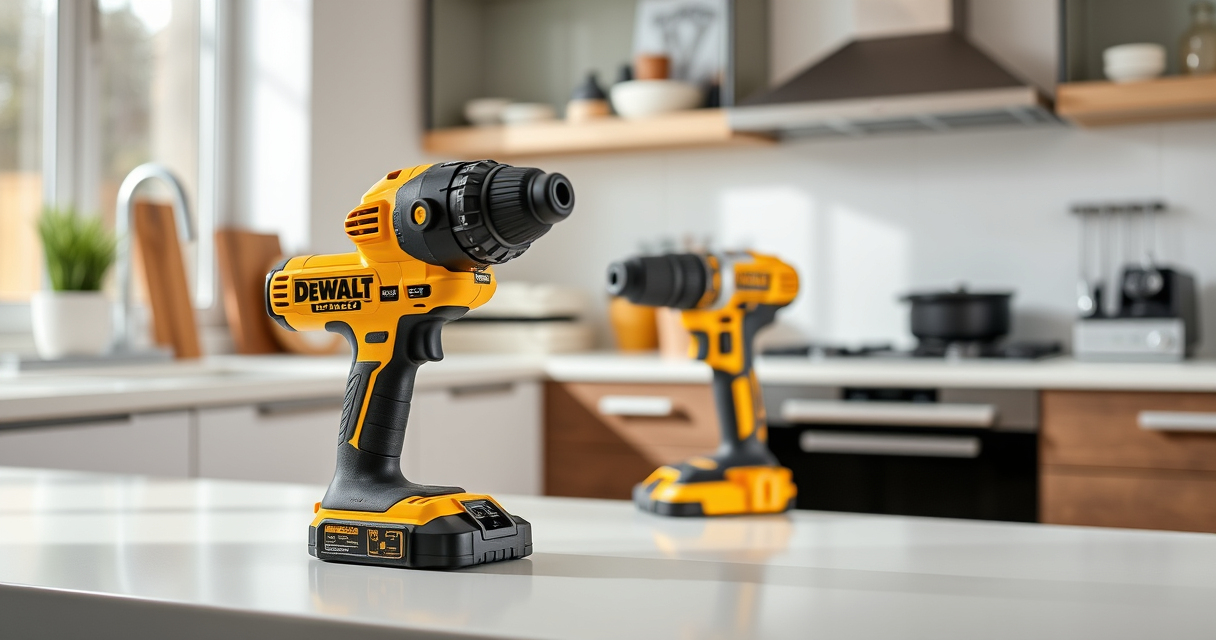
If your DEWALT power tool, specifically the 20V MAX Cordless Drill and Impact Driver, keeps overheating, it can hinder your work and potentially damage the tool. Overheating often results from prolonged use, debris buildup, or battery issues. Fortunately, with some simple troubleshooting steps, you can restore your tool’s performance and extend its lifespan.
This guide offers clear, safe, and effective procedures to identify and resolve overheating problems, ensuring your DEWALT tool remains reliable for your projects.
Key Takeaways
| Overheating causes | Extended use, debris buildup, or battery issues can lead to overheating. |
| Regular maintenance | Cleaning vents and checking batteries can prevent overheating. |
| Proper usage | Avoid continuous operation and allow cooling periods. |
| Battery health | Ensure batteries are charged properly and in good condition. |
| Safe troubleshooting | Always disconnect power before inspecting or cleaning. |

DEWALT 20V MAX Cordless Drill and Impact Driver, Power Drill Brushless 2-Tool Power Tool Combo Kit, Includes 2 Batteries, Charger and Bag (DCK277D2)
- Compact Size: 7.6-inch lightweight design
- Ergonomic Grip: Comfortable and balanced handling
- Bright LED Light: Illuminates dark work areas
As an affiliate, we earn on qualifying purchases.
Step 1: Turn Off and Unplug the Tool
- Before doing anything, switch off your DEWALT drill or impact driver and remove the battery to prevent accidental activation.
- Always wear safety gloves and eye protection when inspecting or cleaning your power tool.
Step 2: Allow the Tool to Cool
After overheating, give your tool at least 15-30 minutes to cool down naturally. Avoid using water or external cooling methods, as this can cause damage or electrical hazards.
Ensure the tool is in a dry, well-ventilated area while cooling.
Step 3: Clean Ventilation Openings and External Surfaces
- Use compressed air or a soft brush to remove dust and debris from ventilation slots. Blocked vents trap heat and cause overheating.
- Wipe the external surfaces with a dry cloth to remove dirt that might obstruct airflow.
Step 4: Inspect and Test the Battery
Remove the battery and inspect for any signs of damage, swelling, or corrosion. Use a compatible DEWALT battery charger to verify the battery’s charge and health.
If the battery is old or not holding charge, consider replacing it with a new one, such as the DEWALT 20V MAX 5 Ah Lithium-Ion Battery 2-Pack.
Step 5: Check for Mechanical Obstructions
Examine the drill chuck and moving parts for debris or obstructions. Lubricate moving parts lightly with manufacturer-approved lubricant if needed.
Make sure the bit is correctly installed and not causing excessive resistance during operation.
Step 6: Test the Tool Carefully
Reinsert the battery, turn on the tool, and operate it at a low speed to see if it still overheats. Gradually increase use while monitoring temperature.
If overheating persists, further inspection or professional repair may be necessary.
Additional Tips and Safety Warnings
- Never operate the tool continuously for extended periods; give it regular breaks to prevent overheating.
- Always use the correct battery type recommended by DEWALT.
- Regularly maintain your tool to prevent dust accumulation and mechanical issues.
- If overheating continues despite troubleshooting, contact DEWALT customer service or a certified repair technician.
The Products in This Guide

DEWALT 20V MAX Cordless Drill and Impact Driver
- ✔ Voltage: 20V
- ✔ Tool Type: Cordless Drill/Impact Driver
- ✔ Battery Type: Lithium-Ion

DEWALT Drill Bit Set
- ✔ Bits Included: 14
- ✔ Tip Angle: 135°
- ✔ Shank Type: 3-Flats
DEWALT 20V MAX Cordless Drill and Impact Driver
The DEWALT 20V MAX Cordless Drill and Impact Driver combo kit offers excellent performance for various projects. Its brushless motor, ergonomic design, and bright LED make it a favorite among professionals and DIYers. Proper maintenance and troubleshooting can keep it running smoothly, even if it occasionally overheats.
Pros:
- Compact and lightweight design
- Brushless motor for efficiency
- Includes 2 batteries for extended use
- Bright LED for visibility
Cons:
- Overheating can occur with prolonged use
- Battery life depends on usage
- Requires regular cleaning for optimal performance
Best for: Home improvement, woodworking, DIY projects
Not ideal for: Heavy-duty continuous use without breaks
Bottom line: A dependable, versatile drill that benefits from proper maintenance and troubleshooting.
DEWALT Drill Bit Set
The DEWALT Drill Bit Set provides 14 high-speed steel bits with a 135-degree split point, ideal for plastic, wood, and metal. Its durable coating and anti-slip shank improve performance and longevity, making it a valuable addition to your toolkit.
Pros:
- Wide variety of sizes
- Durable black and gold coating
- Split point design reduces walking
- 3-flats shank prevents slip
Cons:
- Bits may be overkill for simple tasks
- Requires proper storage to avoid loss
- Not suitable for heavy-duty drilling into masonry
Best for: General DIY, home repairs, woodworking
Not ideal for: Heavy masonry or concrete drilling
Bottom line: A high-quality drill bit set that enhances your drilling projects.
Frequently Asked Questions
Why does my DEWALT drill overheat so quickly?
Overheating can occur from prolonged use, debris blocking vents, or a failing battery. Ensuring proper maintenance and allowing cooling periods helps prevent this.
How often should I clean the ventilation slots?
Regularly inspect and clean the ventilation slots, ideally after every few uses, especially if working in dusty environments, to keep airflow optimal.
Can I use my DEWALT drill continuously without overheating?
It’s best to avoid continuous operation for extended periods. Take regular breaks to allow the motor and batteries to cool down, preventing overheating.
What should I do if my batteries are overheating?
Remove the batteries and inspect for damage. Use only compatible DEWALT batteries and ensure they are charged properly. Replace if they show signs of swelling or corrosion.
Is it safe to clean my power tool with water?
No, never use water to clean your electric power tool. Use compressed air or a dry cloth, and ensure the tool is unplugged and batteries are removed.
Keep Your DEWALT Power Tools Running Smoothly
Regular maintenance and mindful usage are key to preventing overheating issues in your DEWALT power tools. By following these troubleshooting steps—allowing the tool to cool, cleaning vents, inspecting batteries, and avoiding continuous use—you can extend the life of your equipment and ensure safe operation. Always remember to disconnect power before inspecting or cleaning, and consult professional repair services when necessary to keep your tools performing at their best.
Affiliate disclosure: As an Amazon Associate we earn from qualifying purchases. Prices and availability are accurate as of the time of publishing.