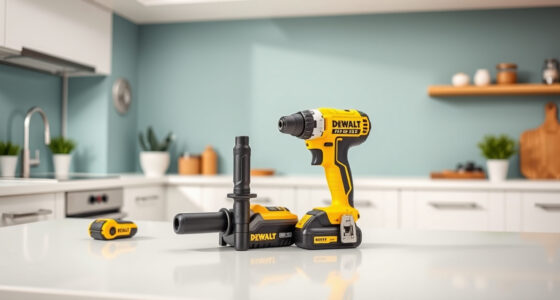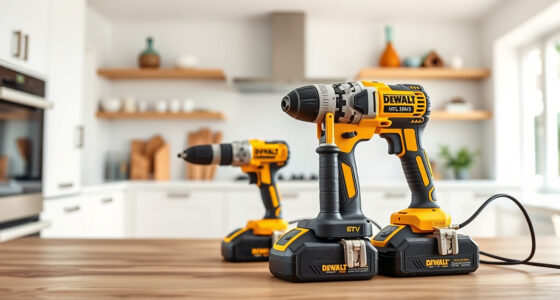
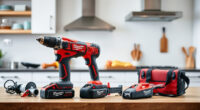
Maintaining your DEWALT power tools is essential to ensure they operate safely and efficiently over their lifespan. Proper care reduces the risk of breakdowns and extends the life of your investment. Whether you’re a DIY enthusiast or a professional, knowing how to properly clean, inspect, and troubleshoot your tools can save you time and money.

Get business pricing on tools and workshop supplies
- Business-only prices and quantity discounts
- Tax-exempt purchasing
- Multiple users, one account, clear invoices
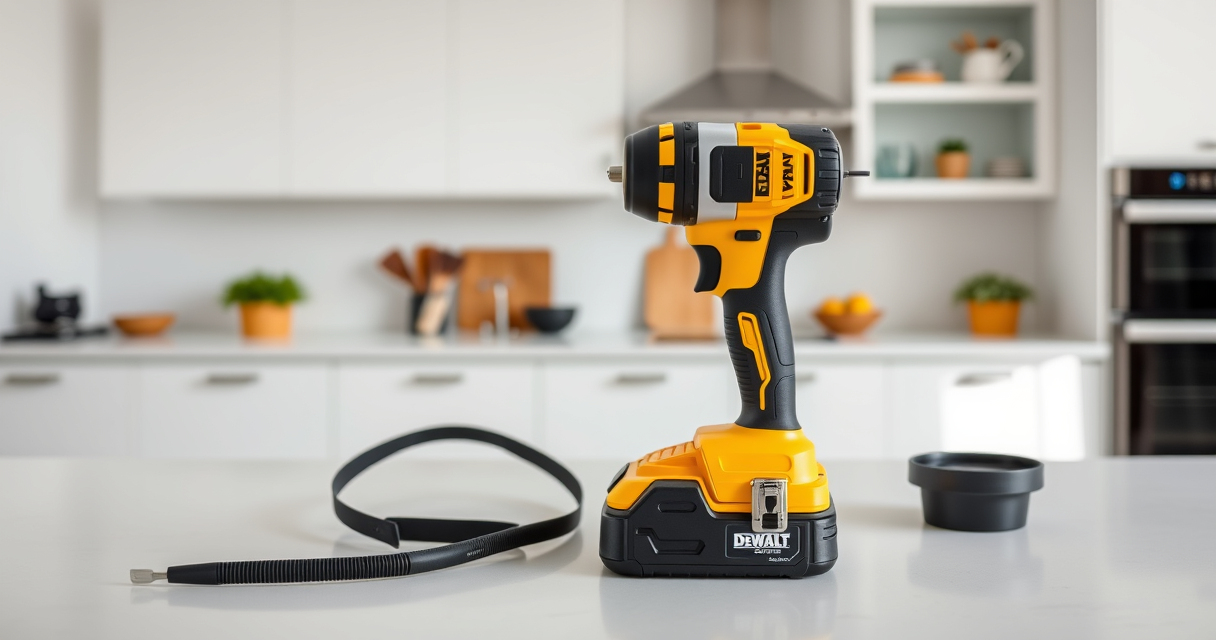
This guide provides clear, step-by-step instructions to help you keep your DEWALT tools in top condition, focusing on common maintenance tasks, safety tips, and solutions for typical issues. We’ll use the DEWALT 20V MAX Cordless Drill and Impact Driver (ASIN:B0C3PQHGR7) as our main example, along with recommended accessories to enhance your maintenance routine.
Key Takeaways
| Regular Cleaning | Keep tools free of dust and debris to prevent mechanical issues. |
| Battery Care | Properly charging and storing batteries extends their lifespan. |
| Inspect & Replace Parts | Regularly check for worn or damaged parts and replace as needed. |
| Lubrication | Lubricate moving parts to prevent friction and wear. |
| Troubleshooting | Identify common problems and resolve them safely at home. |
Cleaning and Basic Inspection
- Unplug or remove batteries from your DEWALT tool before cleaning.
- Use a dry, soft brush or compressed air to remove dust and debris from vents, switches, and moving parts.
- Check the chuck for debris or damage. Clean with a cloth if necessary.
- Inspect the cord (if corded) or battery compartment for cracks, corrosion, or wear.
- Wipe the exterior with a damp cloth, avoiding harsh chemicals.
Regular cleaning not only keeps your tool looking good but also prevents overheating and mechanical failure caused by dust build-up.
Battery Maintenance & Storage
- Always use the recommended charger for your batteries. For example, the DEWALT 20V MAX 5 Ah Lithium-Ion Battery (ASIN:B00KQU1ENG) is designed for optimal performance when charged with its compatible charger.
- Charge batteries in a cool, dry place, avoiding extreme temperatures.
- Store batteries partially charged if not in use for extended periods, ideally at around 40-60% charge.
- Check the LED indicator regularly to monitor battery health and replace if capacity diminishes significantly.
- Remove batteries from the tool if not used for a long time to prevent leakage or corrosion.
Proper battery care ensures longer runtime and better longevity, saving you money on replacements and maintaining consistent power output.
Lubrication and Moving Parts Care
- Apply a few drops of light machine oil to the chuck and other moving parts to keep them operating smoothly.
- Use manufacturer-recommended lubricants to avoid damage.
- Check for signs of rust or corrosion and treat with appropriate rust remover if necessary.
- Ensure the gears and switch mechanisms are free of debris and properly lubricated.
- Do not over-lubricate, as excess oil can attract dirt and debris.
Regular lubrication minimizes wear and tear, ensuring your tools remain responsive and durable over time.
Troubleshooting Common Problems
- Tool not turning on: Check the battery charge, ensure it is fully seated, and inspect for damage. Replace the battery if faulty.
- Drill or impact driver runs but lacks power: Test the battery with a multimeter or try a different fully charged battery. Clean the contacts.
- Chuck is stuck or won’t tighten: Apply a small amount of lubricant and manually turn the chuck to loosen or tighten. Replace if damaged.
- Unusual noise or vibration: Stop use immediately. Inspect for loose parts or damaged gears. Seek professional repair if needed.
Most issues are simple to diagnose and fix with regular inspection and maintenance. Always prioritize safety and disconnect power sources before working on your tools.
Replacing Worn or Damaged Parts
- Identify worn-out or broken parts such as the chuck, brushes, or trigger switch.
- Order genuine replacement parts from DEWALT or authorized dealers to ensure compatibility and safety.
- Follow manufacturer instructions or consult a professional for disassembly and replacement.
- Regularly replace brushes if your tool has them, as worn brushes can cause operational issues.
- Test the tool after repairs to ensure proper functioning.
Keeping parts in good condition prevents further damage and maintains your tool’s performance.
The Products in This Guide

DEWALT 20V MAX Cordless Drill and Impact Driver
- ✔ Battery Capacity: 5Ah
- ✔ Tool Length: 7.6 inches
- ✔ Warranty: 3 years

DEWALT Drill Bit Set
- ✔ Number of Bits: 14
- ✔ Tip Design: Split point
- ✔ Coating: Rust-resistant
DEWALT 20V MAX Cordless Drill and Impact Driver
The DEWALT 20V MAX Cordless Drill and Impact Driver combo kit offers a compact, lightweight design with excellent ergonomics, making it ideal for tight spaces. Its brushless motors provide efficiency and durability, while the included batteries and charger ensure you’re ready to work. Regular maintenance of this versatile set enhances performance and longevity.
Pros:
- Compact and lightweight design
- Brushless motors for efficiency
- Includes 2 batteries and charger
- Bright LED for visibility
Cons:
- Battery life may vary with usage
- Chuck can loosen over time
- Limited to 20V system
Best for: DIY projects, home repairs, light to medium professional use
Not ideal for: Heavy-duty industrial tasks or prolonged high-torque applications
Bottom line: A versatile, reliable cordless drill and impact driver set perfect for a wide range of projects.
DEWALT Drill Bit Set
Pair your DEWALT cordless drill with this 14-piece drill bit set featuring 135-degree split point tips. Designed for plastic, wood, and metal, these bits offer durability and precision, making them a great addition to your maintenance toolkit.
Pros:
- High-Speed Steel construction
- Split point prevents walking
- Includes multiple sizes
- Rust-resistant coating
Cons:
- Only suitable for drilling, not impact applications
- Bits may wear faster with heavy use
- Limited to basic drilling tasks
Best for: Home repairs, woodworking, light metalwork
Not ideal for: Heavy-duty industrial drilling
Bottom line: A reliable and versatile drill bit set that complements your DEWALT power tools.
Frequently Asked Questions
How often should I clean my DEWALT power tools?
Clean your tools after every use or at least weekly if used regularly. Remove dust, dirt, and debris with a soft brush or compressed air to maintain optimal performance.
What type of lubricant should I use for moving parts?
Use light machine oil or a lubricant recommended by DEWALT. Apply sparingly to chuck, gears, and other moving parts to ensure smooth operation.
How do I know if my battery needs replacing?
If your battery no longer holds a charge, shows significantly reduced runtime, or the LED indicator signals low charge frequently, it may be time to replace it.
Can I repair a broken chuck myself?
Small issues like a stuck chuck can often be fixed with cleaning and lubrication. For damaged or worn chucks, it’s best to replace with genuine parts or seek professional repair.
What is the best way to store my batteries?
Store batteries in a cool, dry place partially charged (around 40-60%). Remove from tools if not used for extended periods to prevent leakage and corrosion.
Keep Your DEWALT Tools in Peak Condition
Regular maintenance of your DEWALT power tools ensures they perform reliably and last for years. From cleaning and lubrication to proper storage and troubleshooting, following these steps will save you time and money while keeping your tools ready for any project.
Always prioritize safety, use genuine replacement parts, and consult professional repair services when needed. With proper care, your DEWALT tools will continue to serve you effectively for countless jobs to come.
Affiliate disclosure: As an Amazon Associate we earn from qualifying purchases. Prices and availability are accurate as of the time of publishing.
Halloween Picks
halloween
As an affiliate, we earn on qualifying purchases.