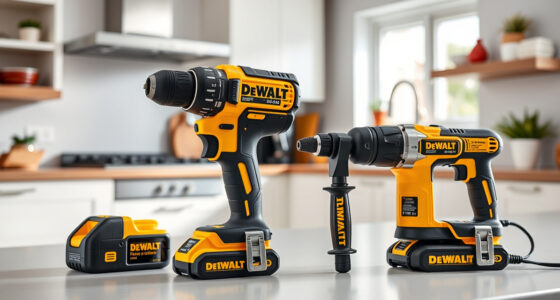

Getting started with your new DEWALT power tools can seem overwhelming at first, but with the right setup steps, you can ensure safe and efficient operation. Whether you’re a DIY enthusiast or a professional, proper setup helps maximize your tool’s performance and lifespan.
This guide walks you through essential steps—from unboxing and assembling to battery installation and safety precautions—so you can confidently start your projects with your DEWALT tools.
Key Takeaways
| Read the manual first | Always review the user manual for specific instructions and safety warnings. |
| Use recommended batteries | Use only compatible DEWALT batteries for optimal performance. |
| Ensure proper assembly | Follow step-by-step instructions to assemble accessories correctly. |
| Prioritize safety gear | Wear safety glasses and gloves to protect yourself during setup and use. |
| Test before use | Perform a quick test run to ensure everything functions properly. |

DEWALT 20V MAX Cordless Drill Driver Set, Electric Drill, Brushless 1/2 In 2 Speed, 2.0 Ah Battery and Charger Included, LED Light (DCD777D1)
- Motor Type: Brushless motor for longer run time
- Size: Compact 7.6-inch design
- Design: Lightweight for easy handling
As an affiliate, we earn on qualifying purchases.
Unboxing and Inspecting Your DEWALT Power Tools
Start by carefully unboxing your DEWALT power tools and accessories. Check for any damage during transit and verify that all components are included as per the product package. For the DEWALT 20V MAX Cordless Drill Driver Set (ASIN: B0C3TGRLLM), ensure the drill, battery, charger, and accessories are present.
Inspect each item for cracks, loose parts, or defects. If anything appears damaged, contact the seller or DEWALT customer service before proceeding. Proper inspection ensures safety and prevents issues during operation.
Charging Your Batteries Properly
The DEWALT 20V MAX system uses lithium-ion batteries that should be fully charged before initial use. Insert the batteries into the DEWALT charger, and connect it to a power outlet. The charger LED indicators will show the charging status—red for charging, green for full.
For the best lifespan, avoid letting batteries fully discharge frequently. Use the 2.0 Ah or 5.0 Ah batteries (ASINs: B07DH55YRX, B00KQU1ENG, or B0CZ9XR2Z7) for longer runtime. Always disconnect batteries after charging and store them in a cool, dry place.
Assembling Your DEWALT Drill and Accessories
- Attach the drill bits or screwdriver bits to the single-sleeve ratcheting chuck. Align the bit shank with the chuck and turn the sleeve to tighten securely.
- If using additional accessories, ensure they are compatible with the 1/2 inch chuck size.
- Adjust the speed setting according to your task—use the low speed (around 0-450 RPM) for driving screws and the high speed (up to 1500 RPM) for drilling.
Follow the manual’s instructions for any specific attachments or feature adjustments. Proper assembly ensures safety and optimal tool performance.
Installing and Testing the Batteries
Insert the charged batteries into the base of the drill until they click into place. Confirm the connection is firm to prevent power interruptions. Once installed, press the trigger lightly to test the LED light and operation of the drill.
Test the two-speed transmission by toggling the speed switch. Ensure the LED light activates when the trigger is pressed, providing visibility in dim spaces. Performing this quick test helps confirm everything is functioning correctly before you start your project.
Safety Tips and Best Practices During Setup
- Always wear safety glasses and gloves during setup and use.
- Work in a well-lit, clean area free of clutter.
- Keep your hands away from moving parts and bits during testing.
- Read all safety warnings in the user manual.
- Make sure the workspace is free of flammable materials.
- Avoid over-tightening bits or accessories, which can cause damage or accidents.
Following these safety tips helps prevent injuries and ensures your setup process is smooth and safe.
The Products in This Guide

DEWALT 20V MAX Cordless Drill Driver Set
- ✔ Warranty: 3-year limited
- ✔ Dimensions: 7.6 in. length
- ✔ Included: Battery and charger

DEWALT Drill Bit Set
- ✔ Package Includes: 14 drill bits
- ✔ Tip Type: Split point
- ✔ Material: High Speed Steel
DEWALT 20V MAX Cordless Drill Driver Set
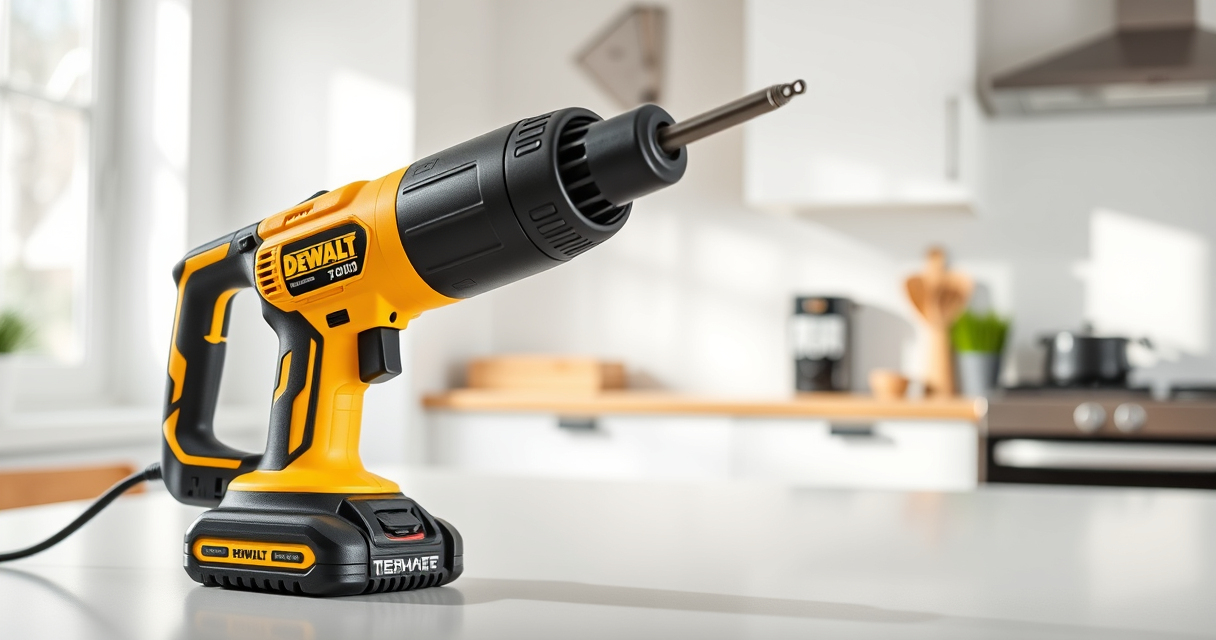
The DEWALT 20V MAX Cordless Drill Driver Set (DCD777D1) is a versatile and reliable tool ideal for various projects. Its brushless motor provides more run time, and the lightweight design makes it suitable for tight spaces.
With an ergonomic grip and LED lighting, you can work comfortably in dim conditions. This set is perfect for both beginners and experienced users looking for a durable, high-performance drill.
Pros:
- Brushless motor for longer runtime
- Compact and lightweight design
- LED light for visibility
- Two-speed transmission for versatility
Cons:
- Battery life may vary with heavy use
- Limited to 1/2 inch chuck size
- No additional attachments included
Best for: General-purpose drilling, fastening, and repair projects
Not ideal for: Heavy-duty industrial applications or large diameter drilling
Bottom line: A reliable, lightweight drill suitable for a wide range of tasks.
DEWALT Drill Bit Set
The DEWALT Drill Bit Set (ASIN: B07DH55YRX) is ideal for drilling into plastic, wood, and metal with its durable high-speed steel construction and 135-degree split point tips. It complements your DEWALT drill perfectly, ensuring clean, precise holes.
This set offers a range of sizes, making it a practical addition to your toolbox for various projects.
Pros:
- Durable high-speed steel
- Split point design reduces walking
- Includes multiple sizes
- Corrosion-resistant coating
Cons:
- Only suitable for drilling, not for impact use
- Limited to standard materials
- No carrying case included
Best for: DIY projects and professional work requiring precise drilling
Not ideal for: Heavy impact drilling or masonry work
Bottom line: A versatile drill bit set that enhances your drilling efficiency.
Frequently Asked Questions
How do I safely change bits on my DEWALT drill?
First, turn off the drill and remove the battery. Pull back the chuck sleeve to release the current bit, then insert the new bit shank fully into the chuck. Tighten the sleeve securely before powering on.
Can I use any batteries with my DEWALT drill?
Only batteries designed for the 20V MAX system, such as the DEWALT 5Ah or 2.0Ah batteries, are compatible. Using incompatible batteries can damage the tool or void the warranty.
What safety gear should I wear during setup?
Always wear safety glasses to protect your eyes from debris and gloves if handling sharp or rough materials. Ensure your workspace is clear and well-lit.
How do I troubleshoot if my drill doesn’t turn on?
Check that the battery is properly inserted and charged. Ensure the trigger is pressed fully. If it still doesn’t work, try a different charged battery or consult the user manual for further troubleshooting steps.
How should I store my batteries when not in use?
Store batteries in a cool, dry place away from direct sunlight. Keep them at about 50% charge if storing for an extended period to maintain battery health.
Start Your Projects with Confidence Using Proper Setup
Properly setting up your DEWALT power tools is crucial for safe, efficient, and long-lasting performance. Taking the time to inspect, assemble, and test your tools ensures you’re ready to tackle any project with confidence. Always prioritize safety, use compatible accessories, and keep your tools well-maintained for the best results.
With your DEWALT drill and accessories properly set up, you’re now equipped to handle a variety of tasks effectively. Happy drilling!
Affiliate disclosure: As an Amazon Associate we earn from qualifying purchases. Prices and availability are accurate as of the time of publishing.